💬 Slack
Use the interactive kwatch manager to configure Slack alerts. It stores credentials in Kubernetes Secrets and verifies the installation. The configuration fragments below explain provider settings; they are not separate installation steps.
If you want to enable Slack, provide either a webhook URL or a bot token with channel.
Webhook mode:
| Parameter | Description | Required |
|---|---|---|
alert.slack.webhook | Slack webhook URL | Yes |
alert.slack.channel | 📢 Override channel | No |
alert.slack.compact | 📏 Single-line mode | No |
Bot Token mode:
| Parameter | Description | Required |
|---|---|---|
alert.slack.token | Slack bot token (xoxb-...) | Yes |
alert.slack.channel | 📢 Channel to post to | Yes |
alert.slack.compact | 📏 Single-line mode | No |
💡 Threads (Pro): With Pro and bot token mode, alerts become threaded conversations: root message on first alert, updates as replies.
Compact mode
alert:
  slack:
    webhook: "${file:/config/slack-webhook}"
    compact: true
Routing (Pro) & Retry
alert:
  slack:
    webhook: "${file:/config/slack-webhook}"
    routes:
      - namespaces: ["production"]
        severities: ["high", "critical"]
    retry:
      maxAttempts: 3
      delay: 5s
Fallback provider
alert:
  slack:
    webhook: "${file:/config/slack-webhook}"
    fallback: "pagerduty"
    retry:
      maxAttempts: 3
Configuration example (Webhook)
alert:
  slack:
    webhook: "${file:/config/slack-webhook}"
Configuration example (Bot Token)
alert:
  slack:
    token: "${file:/config/slack-token}"
    channel: "#alerts"
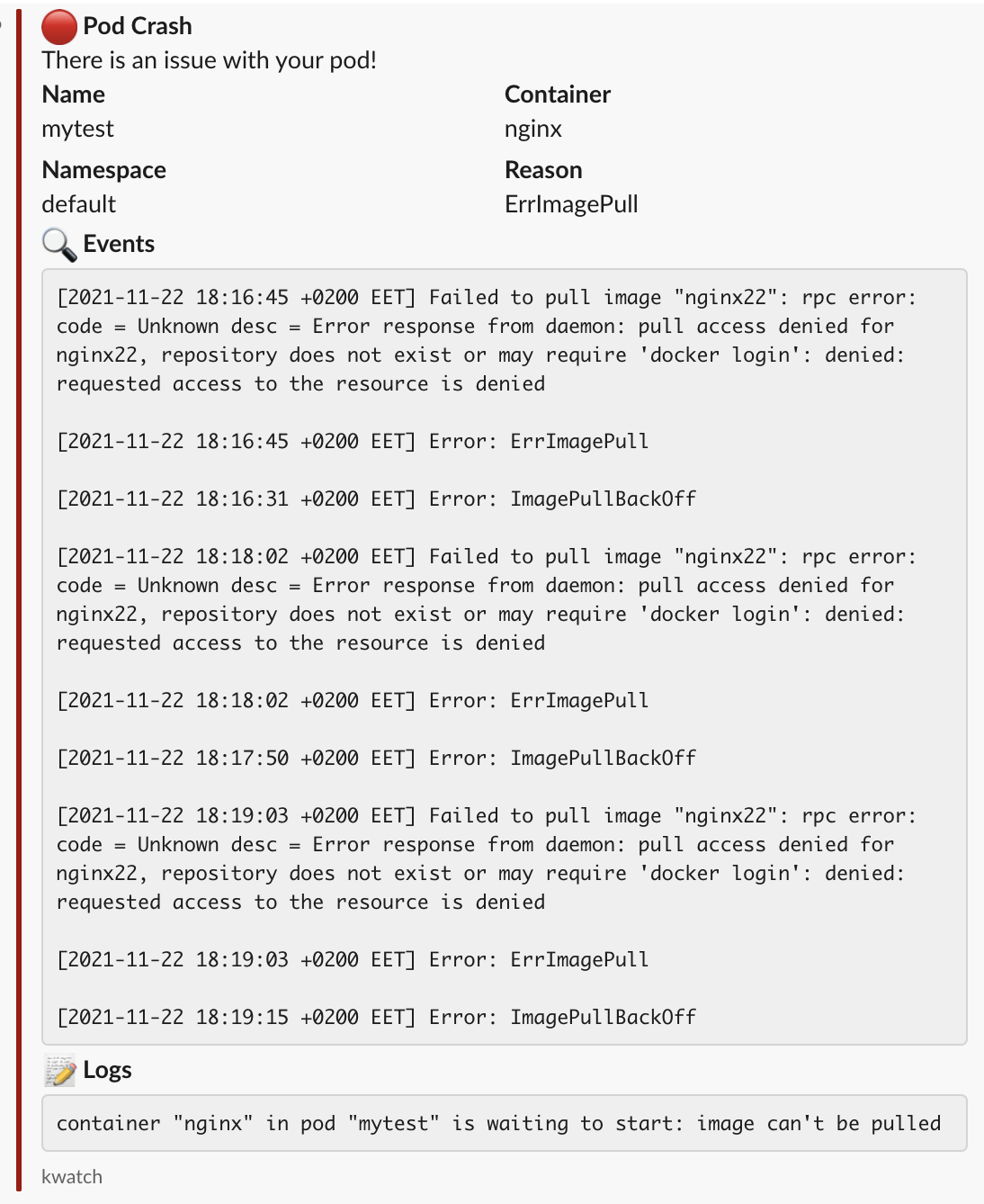
Screenshot